Industries/Window cleaning
Residential & storefront

Window cleaning software that quotes, schedules and invoices

The margin is in not spending an hour on admin for a ninety-dollar job. Quote by the pane, set the visit to repeat, invoice on the spot, and let the recurring invoice and the reminders collect.

ResidentialStorefrontsCommercial routesScreens & tracksGuttersSolar panels
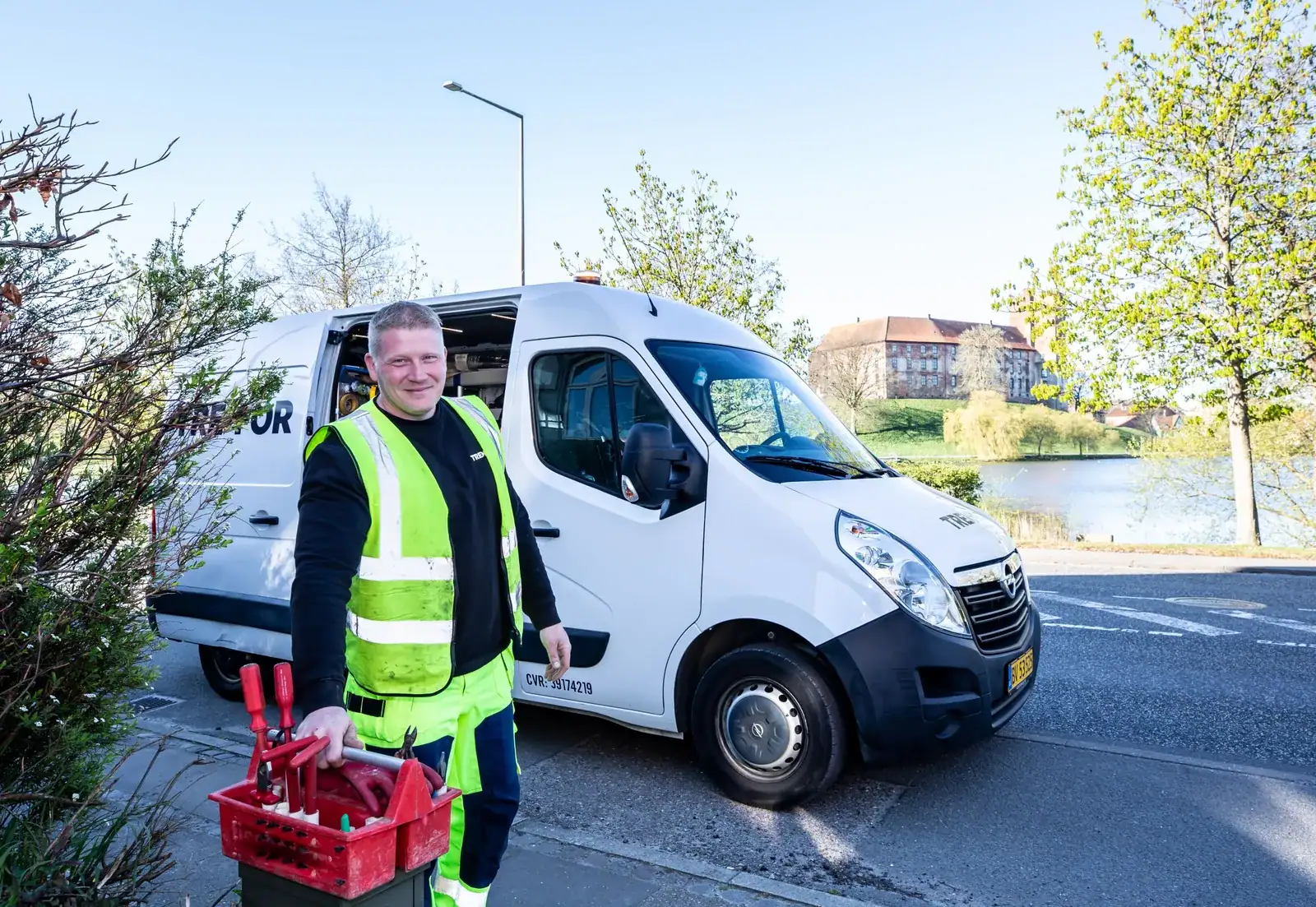
A crew at work
Window cleaning
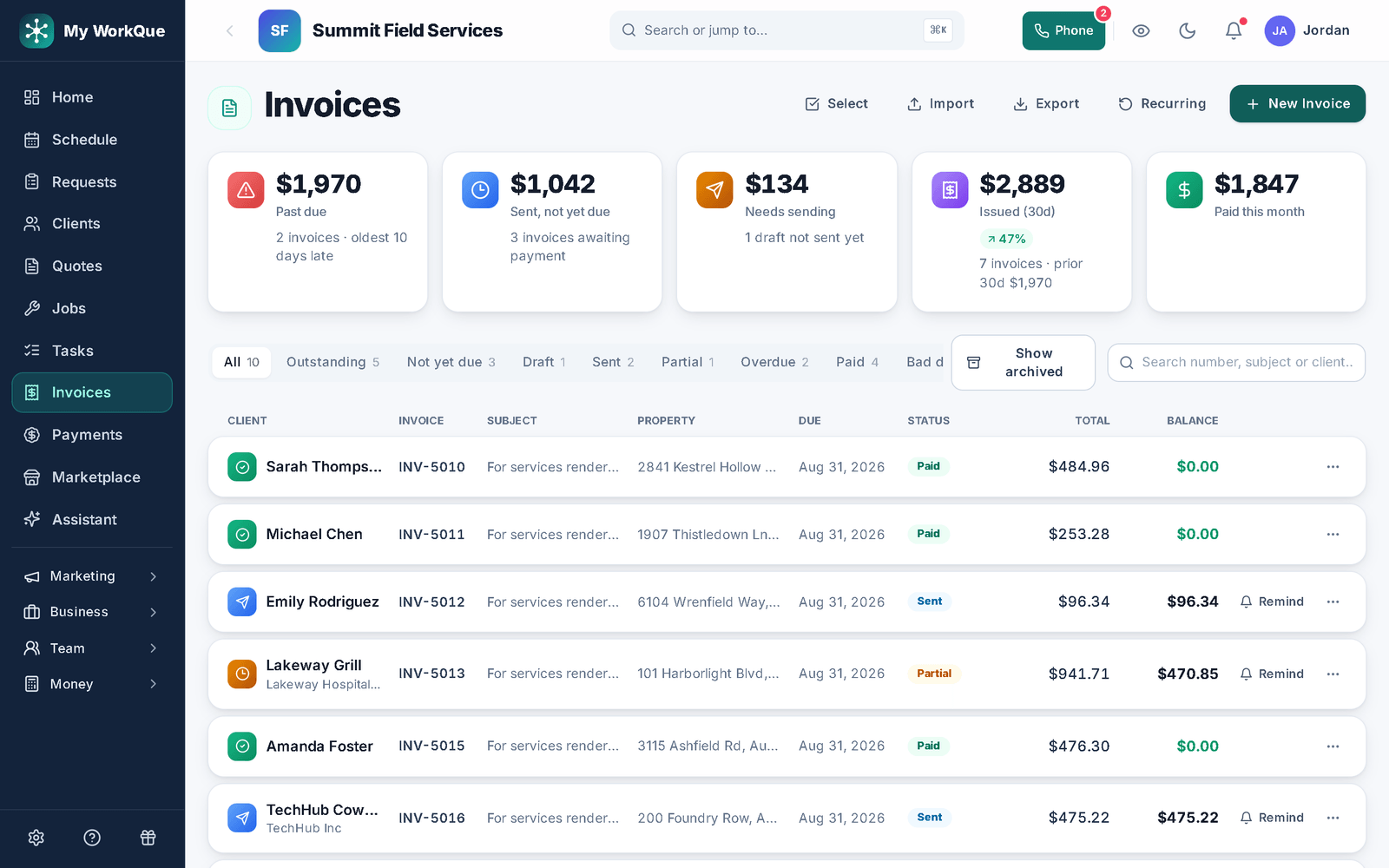
The invoices list: Past due, Sent not yet due, Needs sending, Issued and Paid this month tiles, status filters, and each invoice's status, due date, total and balance with a Remind button on the unpaid ones
Past due, sent, paid — and Remind on every unpaid row; the overdue rule sends by itself.
The day-to-day

Three things that go wrong — and what happens instead

Templates & same-day invoicing

A ninety-dollar job and thirty minutes of admin.

Templates priced by the pane or the square foot make the quote pick-and-send. Convert to the invoice on site, send the link, and the customer pays by card on Stripe's page. A completed job with no invoice nudges you.

Recurring visits

The storefront route is a spreadsheet you re-type monthly.

Set each stop to repeat — weekly, every 2 weeks, monthly, quarterly, seasonal — and completing it books the next. The schedule shows the day in order; the crew sees it on the phone.

Recurring invoices & reminders

Forty small balances, chased one at a time.

A recurring invoice issues itself for the standing accounts, with the pay link on it. Everyone gets automatic past-due reminders, and grouped pay lets a customer clear several invoices in one go.

Day one

What you can do on day one

Every item is a screen you can open the day you sign in.

  • Import your customer list from a spreadsheet or your old app.
  • Save your quotes as templates priced by the pane or the square foot.
  • Set a job to repeat — weekly, every 2 weeks, monthly, quarterly or seasonal — and it books the next visit when this one is completed.
  • Set up a recurring invoice for a repeat customer so it issues itself on the schedule, with the pay link and reminders attached.
  • Turn on invoice reminders for anything past due.
  • Build a job checklist your crew ticks off in the field, with a customer sign-off at the end.
  • Turn on the "ask for a review after payment" automation.

Quoted by the pane. Booked on repeat. Paid without a chase.

The route repeats, the invoice sends itself, the reminders collect.

Questions

Window cleaning FAQ

Can I price per pane?

Yes. A line's unit can be each, sq ft, linear ft, hour or job with your cost and markup — panes are "each" at your rate.

Can I run a monthly commercial route?

Yes. Set each account to repeat monthly (or any other cadence); completing the visit books the next. The crew sees their stops on the phone.

How do the reminders work?

An invoice past its due date with a balance gets a reminder to the customer, at most once a day per invoice, until it is paid.

Do you send me leads?

Yes, if you want them — add your trade to your marketplace profile and homeowners can pick it once you are live. Homeowners post jobs in the Hire-a-Pro marketplace; jobs matched to your trade and service area land in your Requests queue with no per-lead fee. Local leads are included on the Business plan, or you can add the Local Leads module to Starter or Pro for $49/mo.

Which plan do I need?

Starter covers the CRM, scheduling and calendar, quotes and invoices, the customer email inbox, the time clock, free CRM import and the mobile app. Pro adds the client portal, e-sign approvals, the dispatch board, GPS time clock, marketing automation, reviews, job costing, payment plans and the website builder. Business adds accounting with bank feeds, sales tax, payroll, the sales pipeline, the ads manager and local leads. Prices are on the pricing page.

Does it work on a phone in the field?

Yes. It runs full-size in any browser on your computer, and on a phone it installs to the home screen straight from the browser. Same account, same data, whichever you pick up.

Can I bring my customers and quotes with me?

Yes. Import clients, quotes and inventory from spreadsheets or the app you are leaving. It is included on every plan, and your data stays exportable afterwards.
Ready to keep the admin smaller than the job?

Template, repeat, invoice, collect.

Book a demo