The follow-ups you keep meaning to send,
sent.
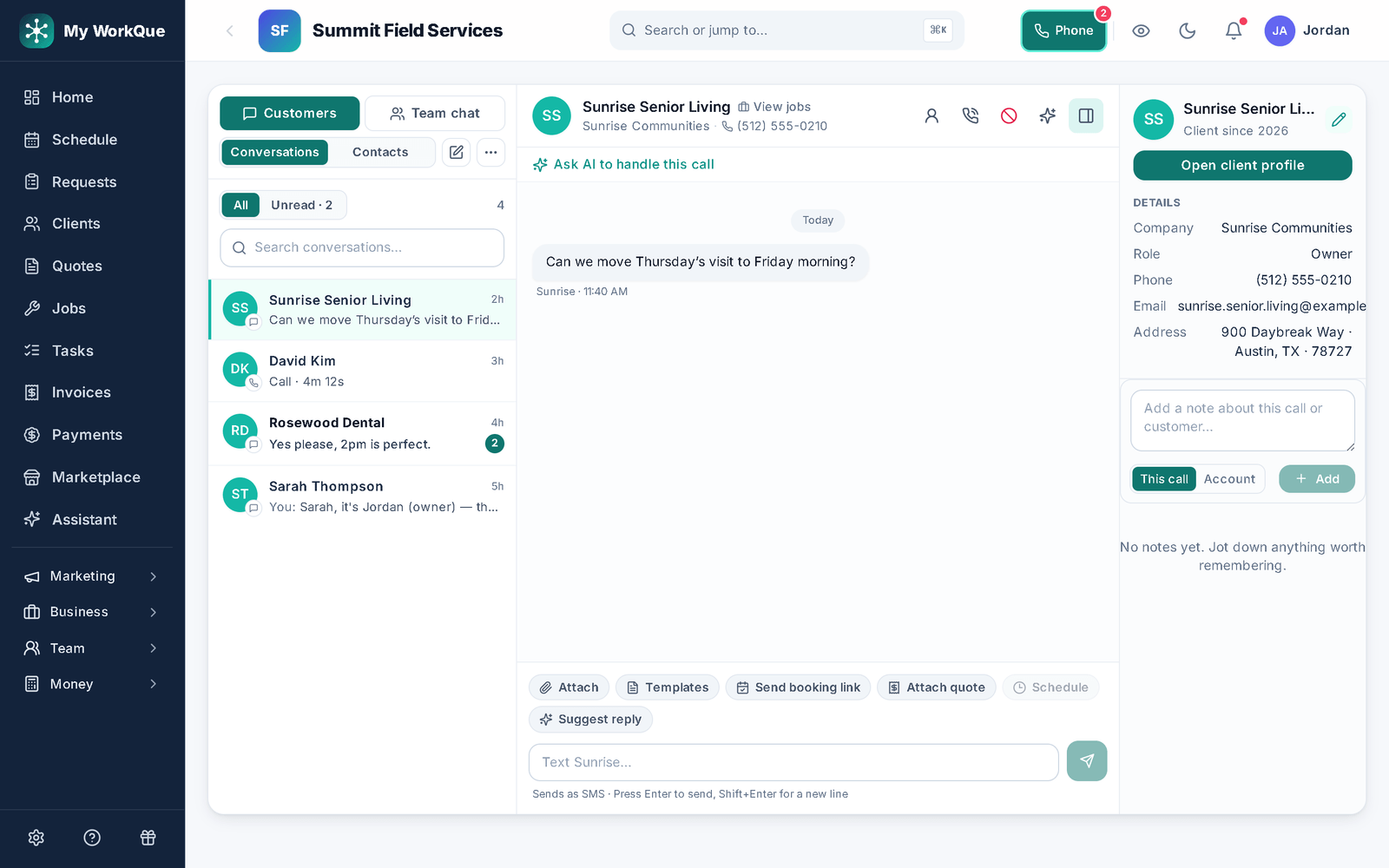
Eleven named rules — quote follow-ups, appointment reminders with an arrival window, overdue invoices, prep-list nudges, job-site photo prompts — each with its own on/off switch and channels, plus a builder for sequences of your own.
The reminder rules are on every plan; texts go out on your business phone line (Pro and up — Pro forwards its calls to your own line, Business answers them in the app), emails on your address. The sequence builder starts on Pro, or comes as the Marketing & automations module — see pricing.
Eleven rules, by their real names
- 01
Quotes: three chasers and a tidy-up
Quote follow-up — a few days after a quote goes out unanswered, one nudge to the customer. Second quote follow-up — one more, a week after the first, only for quotes that got the first. Quote past due — for a quote that carries an expiry date, when it passes unapproved, nudge the customer and flag the rep (new quotes are stamped with when they were sent instead of expiring, so this covers older ones). Auto-archive quotes — housekeeping only: a sent quote nobody answered in N days is archived, nothing sent, nothing deleted, "Show archived" brings it back. Archived quotes are never chased.
In the appQuote follow-upSecond quote follow-upQuote past dueAuto-archive quotes
- 02
Visits: the arrival window and the prep list
Upcoming job / appointment — before a scheduled visit, text and email the customer the date and an arrival window (presets from 15 minutes to 4 hours, or your own words) and notify the assigned tech; you set how many hours ahead. Prep checklist nudge — if the customer's prep list still has unchecked items before the visit, nudge them; never sent once the list is complete.
In the appUpcoming job / appointmentRemind ahead byArrival-window messagePrep checklist nudge
- 03
Money: overdue invoices and unbilled jobs
Overdue invoice — when an invoice passes its due date with a balance, the customer gets a payment reminder with the link to pay. Job done — bill it — when a job is complete but has no invoice, the office is nudged to create one. Both fire at most once per item per day, however often the engine polls.
In the appOverdue invoiceJob done — bill it
- 04
The crew and the pipeline
Job-site photo prompts — prompt the crew for pictures before they start and again when the job wraps; each prompt creates a note on the job to drop photos into, and can reach a locked phone as a push alert. Lead gone quiet — when a lead has had no contact for a few days, nudge the rep and move the card one column along the pipeline (stopping at On hold; it never marks anything won or lost — the switch says so). Auto-archive requests — an open request with no activity for N days is closed as "auto-archived (no activity)"; won leads and upcoming visits are never touched.
In the appJob-site photo promptsLead gone quietAuto-archive requests
- 05
Your own sequences, with a stop condition
The builder starts from a trigger — Job completed, Quote sent, Quote approved, Quote declined / lost, Invoice paid, Invoice overdue, New lead, New client, Appointment reminder, Customer birthday, No activity 30 days, Membership renewal — then steps: Wait, Send email, Send SMS, Create task, Add tag, Notify team, with merge fields like {{first_name}}. Exit conditions stop the rest of the sequence the moment the goal is met: Customer replies, Leaves a review, Approves the quote, Pays the invoice, Books an appointment. Four recipes are one click to add: Follow up with new leads, Close on pending quotes, Win back lost leads, Ask for a review after payment.
In the appWaitSend SMSCreate taskCustomer repliesAsk for a review after payment
Where this differs from Jobber
Only the rows where there's a real difference — including the ones Jobber wins. The full table is on the comparison page.
| Feature | My WorkQue | Jobber |
|---|---|---|
| Marketing tools (email campaigns, social posts, review requests, AI plan) | ✓ included | Add-on · $99/mo |
| Business phone line — texts & call forwarding on Pro, in-app calling & call flows on Business | ✓ included | Add-on |
Based on each vendor's public feature and pricing pages plus a hands-on walk of a live Jobber account, August 2026. Plans change — verify with each vendor.
Fair questions
Can I change what the messages say?
Yes. Every rule's email and text wording lives in Settings → Emails & Texts, with merge fields for the customer's name, the quote number, the link and so on. Each rule also has its own channel switches — Email, Text, In-app — and its own timing.
Will a customer get nagged every day?
No. The follow-ups fire once each. Daily-eligible rules like the overdue invoice are de-duplicated per item per calendar day, archived quotes are left alone, and a sequence stops the moment its exit condition is met — someone who replies on day one never gets the day-two nudge.
What's the difference between Reminders and Automations?
Reminders are the eleven built-in rules above: switch on, set the days and channels, done. Automations is the builder for sequences of your own — a trigger, timed steps, a stop condition — for things like a review request three days after payment. Reminders are on every plan; the builder starts on Pro.
Do the rules ever change my data without asking?
Three of them touch records, and each says so on its switch. Auto-archive quotes and Auto-archive requests are off by default and archive — never delete — with "Show archived" to bring anything back. Lead gone quiet is on by default because it only nudges the assigned rep in-app, and it moves the pipeline card one column (stopping at On hold; never won or lost). Nothing else touches a record; the rest send messages and notifications.
It all runs on the same records
A quote becomes the job, the job becomes the invoice, the payment lands in the books — no re-typing between apps.
Quotes
Templates, optional lines, e-sign and deposits.
See how it works →Scheduling & Dispatch
Calendar views, a drag-to-assign dispatch board, on-my-way texts, GPS time clock.
See how it works →Invoicing
Job to invoice in one click, deposits carried, past-due split out, reminders.
See how it works →Payments
Cards on Stripe through your own account, deposits, plans, every method recorded.
See how it works →Client Hub
Where your customers approve, sign, pay, prep, and refer a friend.
See how it works →Comparisons
Good / better / best in one link the customer compares and chooses from.
See how it works →Mobile
The whole app on the phone — installed straight from the browser.
See how it works →
Set it once. Stop remembering.
Start your 14-day free trial.