Industries/Plumbing
Service, repair, install

Plumbing software that quotes, schedules and invoices

Half of plumbing is being reachable. Calls and texts land in one inbox, the booking page takes the request when you cannot answer, and the customer gets the arrival window before you leave the last job.

Water heatersDrain clearingLeak repairRepipesFixture installsSewer lines
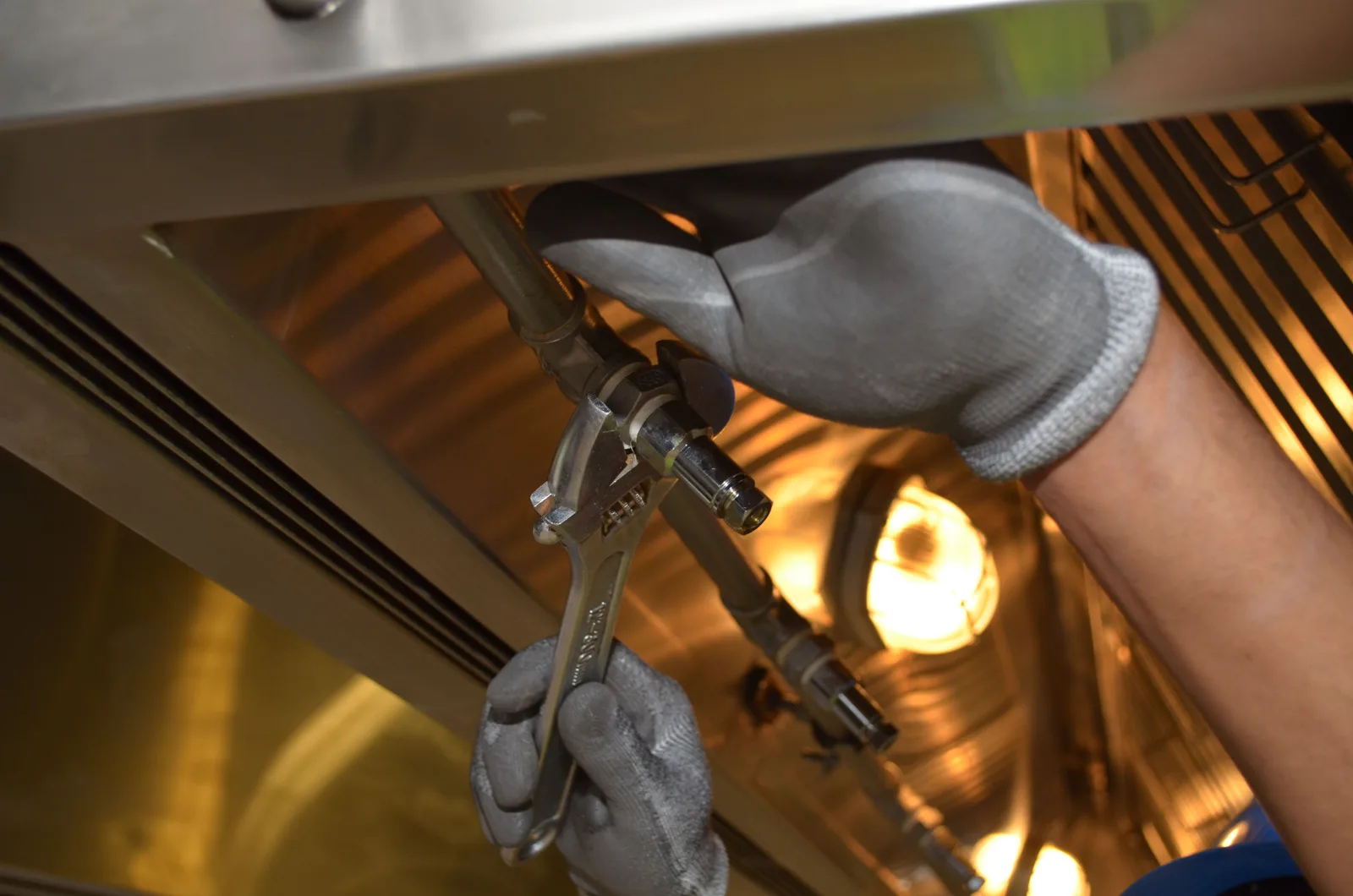
A plumber fitting pipework indoors
Plumbing
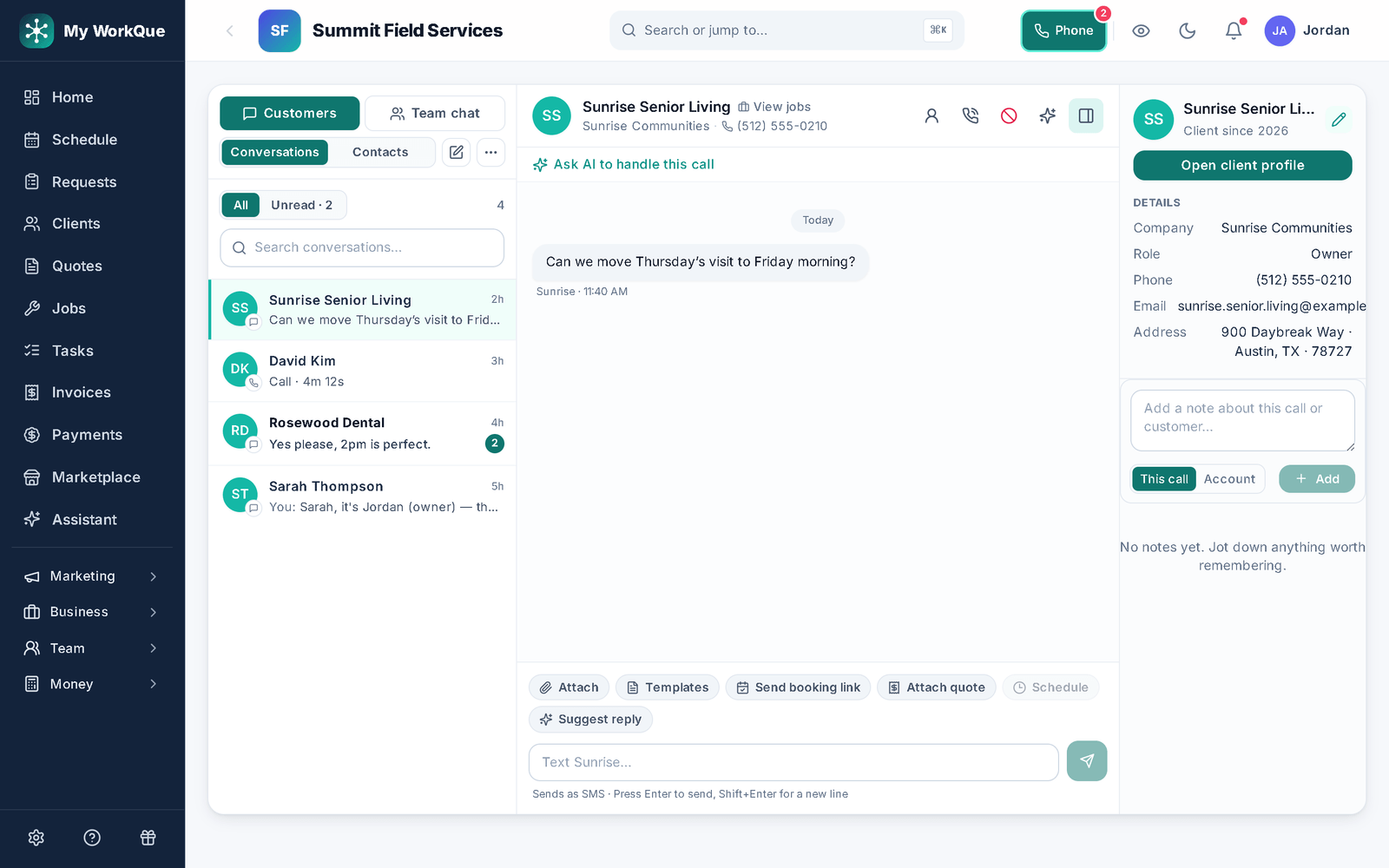
The customer inbox: a conversation list of calls and texts on the left, one thread open on the right
Calls and texts, one thread per customer, tied to their jobs.
The day-to-day

Three things that go wrong — and what happens instead

Inbox & booking page

The phone rings while you are under a sink.

Calls and texts land in one inbox tied to the customer record, so a missed call is a thread, not a lost number. Your booking page takes the request 24/7; it lands in the Requests queue for you to approve and schedule.

On-my-way & reminders

"When are you coming?" — six times a day.

The upcoming-job reminder texts the arrival window before the day; on-my-way sends the ETA from the job with one tap. The customer's hub shows the appointment. Fewer calls in, fewer calls out.

Same-day invoicing

The invoice gets written up Friday, paid maybe never.

Convert the quote to the invoice on the driveway, send the link, take the card or bank payment on the spot. Anything left open gets an automatic past-due reminder. Completed jobs with no invoice nudge the office.

Day one

What you can do on day one

Every item is a screen you can open the day you sign in.

  • Import your customer list from a spreadsheet or your old app.
  • Put your booking page on your website and Google profile — customers request a time; you approve it.
  • Save your standard repairs as quote templates with your parts and rates.
  • Send your first on-my-way text with an arrival window from the job.
  • Send an invoice and take a card payment online from the link — bank transfer, check and cash are recorded when they arrive.
  • Turn on invoice reminders for anything past due.
  • Turn on the "ask for a review after payment" automation.

Reachable, on time, paid the same day.

The call, the booking, the ETA, the invoice — one record per customer.

Questions

Plumbing FAQ

Does the app answer the phone?

No — nothing here answers a call. Calls and texts land in the inbox tied to the customer, and the booking page takes a request when you cannot pick up. The business phone line (Pro and up, or the Phone module) adds a real number that texts, takes voicemail and forwards calls to your own line; the Business plan answers calls in the app with call flows.

Can I quote from the truck?

Yes. Start from a template on your phone, add the parts and labor, send it; the customer approves online and the quote becomes the job and then the invoice.

How fast can I get paid?

Send the invoice link from the job and the customer pays by card on the spot; you see the payment post to the invoice. Reminders handle anything left open.

Do you send me leads?

Not yet — Hire a Pro is coming soon. Homeowners will post jobs in the Hire-a-Pro marketplace, and jobs matched to your trade and service area will land in your Requests queue with no per-lead fee. Local leads are coming soon, and they are included on the Business plan.

Which plan do I need?

Starter covers the CRM, scheduling and calendar, quotes and invoices, the customer email inbox, the GPS time clock, job costing, payment plans, free CRM import and the mobile app. Pro adds the client portal, e-sign approvals, the dispatch board, marketing automation, reviews and the website builder. Business adds accounting with bank feeds, sales tax, payroll calculations, the sales pipeline, the ads manager and (coming soon) local leads. Prices are on the pricing page.

Does it work on a phone in the field?

Yes. It runs full-size in any browser on your computer. On Android you can install it from Google Play, and on any phone — iPhone included — you can add it to the home screen straight from the browser. Same account, same data, whichever you pick up.

Can I bring my customers and quotes with me?

Yes. Import clients, quotes and inventory from spreadsheets or the app you are leaving. It is included on every plan, and your data stays exportable afterwards.
Ready to stop losing the calls you cannot take?

Catch it. Book it. Text the ETA. Get paid.

Book a free 20-minute demo