Industries/Electrical
Service & installs

Electrical software that quotes, schedules and invoices

The panel upgrade is a quote the customer has to trust; the service call is a job that has to be closed out clean. Itemize it, get it signed online, photograph the work, and invoice before the truck moves.

Panel upgradesEV chargersRewiringLightingGeneratorsTroubleshooting
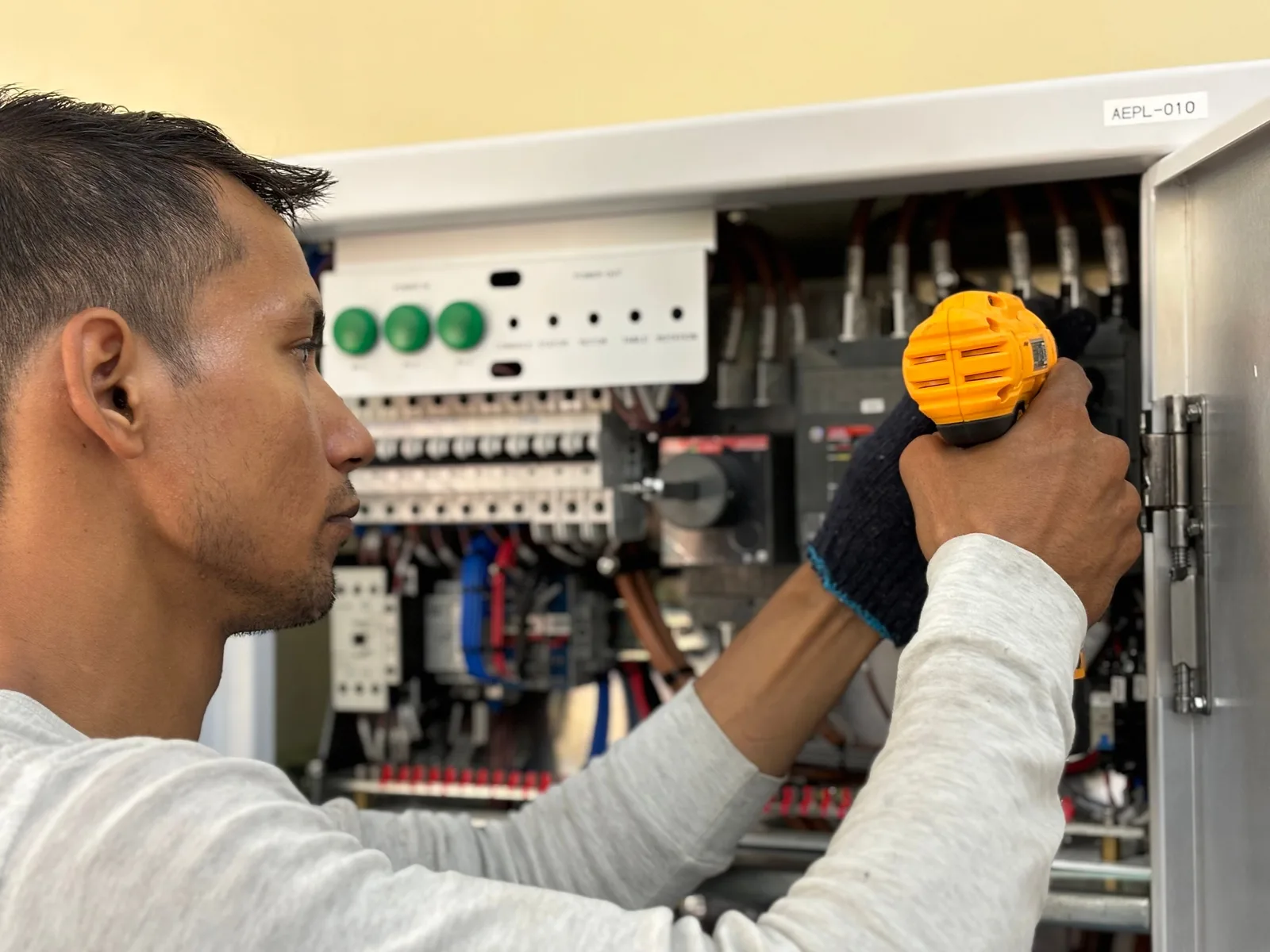
An electrician working at a breaker panel with a drill
Electrical
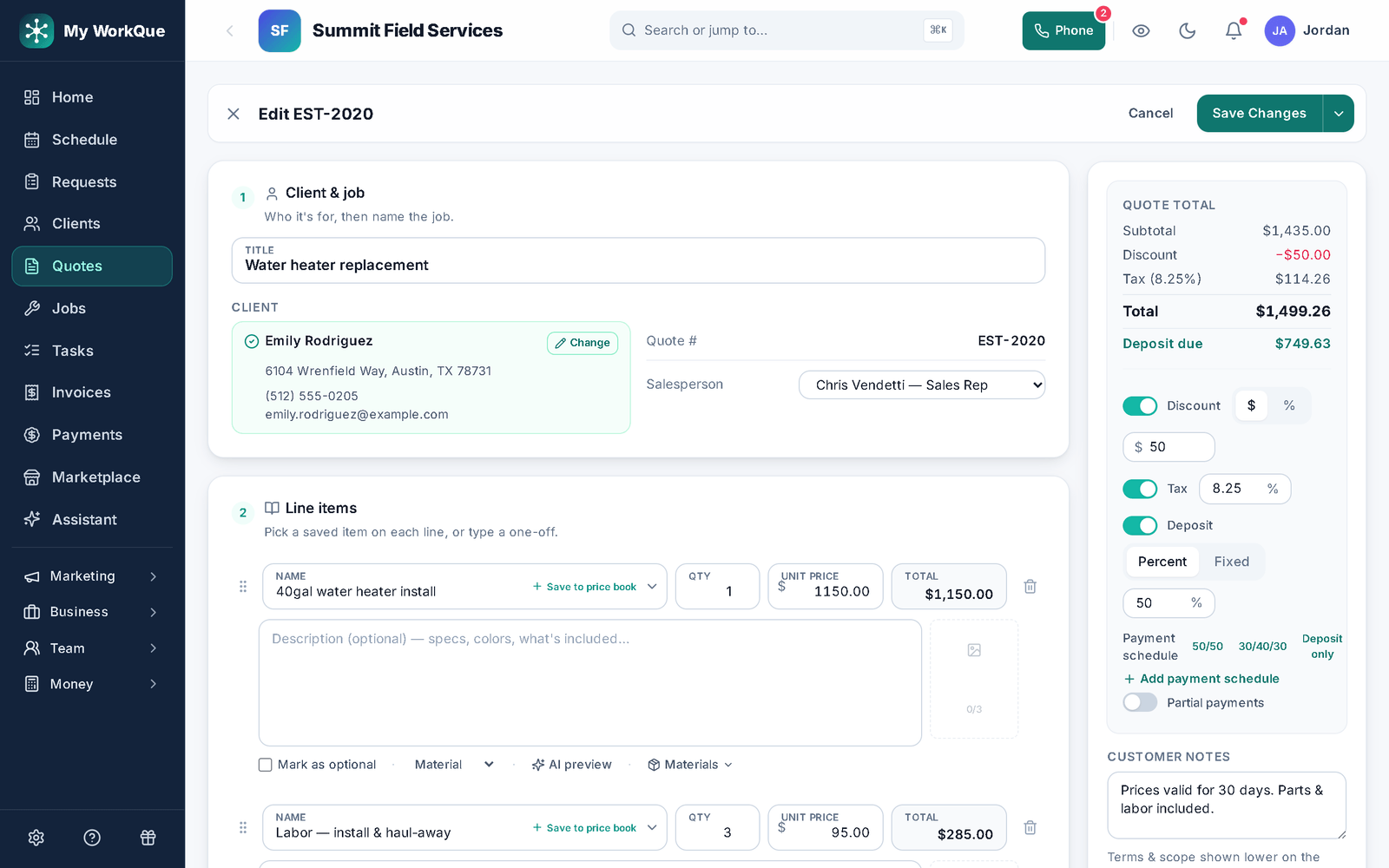
The quote editor: client and job, line items with quantity and unit price, Save to price book, Mark as optional and Materials on each line, and the quote total with discount, tax, deposit percent and a payment schedule beside it
Every line priced, saved to the price book, with the discount, tax and deposit beside the total — and the materials on the line, so the margin is on the record, not in your head.
The day-to-day

Three things that go wrong — and what happens instead

Itemized quotes

The customer wants to know what the number is made of.

Quotes are itemized by unit — each, hour, job — with cost and markup on every line and photos on the lines that need them. Templates for panel swaps and charger installs mean the next quote starts filled in and priced right.

E-sign approvals

A verbal yes is not an approval.

The customer opens the quote link, draws or types a signature, agrees it is their electronic signature and pays the deposit in the same step. The signed agreement is kept on the record and in their client hub.

Photos, checklists & sign-off

The close-out lives in your camera roll.

Photos, receipts and notes attach to the job from the phone. A checklist for the install and a customer sign-off list after it — which freezes when they sign — mean the job closes with a record, not a memory.

Day one

What you can do on day one

Every item is a screen you can open the day you sign in.

  • Import your customer list from a spreadsheet or your old app.
  • Save your panel, charger and service-call quotes as templates with parts and labor.
  • Require a deposit on the quote, as a percent or a fixed amount, collected when they approve.
  • Turn on automatic quote follow-ups, so nobody has to remember to chase.
  • Build a job checklist your crew ticks off in the field, with a customer sign-off at the end.
  • Send an invoice and take a card payment online from the link — bank transfer, check and cash are recorded when they arrive.
  • Turn on the "ask for a review after payment" automation.

Quoted in detail, signed online, closed with a record.

Line by line, photo by photo, on one job.

Questions

Electrical FAQ

Is the e-signature kept?

Yes. The signed agreement — terms, signature, name, time and the approved total — is stored on the quote and shown in the customer's client hub. E-sign approvals are on Pro and above.

Can I attach photos and receipts to the job?

Yes, from the phone: photos, receipts and packing lists go on the job with notes. The customer-facing sign-off checklist can include install photos.

Do you track permits?

Not as a feature today. Put the permit number and inspection dates in the job's notes or a custom field; a checklist item can carry the inspection step.

Do you send me leads?

Yes, if you want them. Homeowners post jobs in the Hire-a-Pro marketplace; jobs matched to your trade and service area land in your Requests queue with no per-lead fee. Local leads are included on the Business plan, or you can add the Local Leads module to Starter or Pro for $49/mo.

Which plan do I need?

Starter covers the CRM, scheduling and calendar, quotes and invoices, the customer email inbox, the time clock, free CRM import and the mobile app. Pro adds the client portal, e-sign approvals, the dispatch board, GPS time clock, marketing automation, reviews, job costing, payment plans and the website builder. Business adds accounting with bank feeds, sales tax, payroll, the sales pipeline, the ads manager and local leads. Prices are on the pricing page.

Does it work on a phone in the field?

Yes. It runs full-size in any browser on your computer, and on a phone it installs to the home screen straight from the browser. Same account, same data, whichever you pick up.

Can I bring my customers and quotes with me?

Yes. Import clients, quotes and inventory from spreadsheets or the app you are leaving. It is included on every plan, and your data stays exportable afterwards.
Ready to quote it clean and close it clean?

Itemize, sign, install, invoice.

Book a demo