Industries/Permanent lighting
Permanent LED trim lighting

Permanent lighting software that quotes, schedules and invoices

Sell by the foot, order by the stick. Quote from a photo of the customer's own house, show them what it looks like lit at night, and let the app work out what goes on the truck.

Roofline trimSoffit & fasciaAccent & landscapeCommercial frontsColor programsService calls
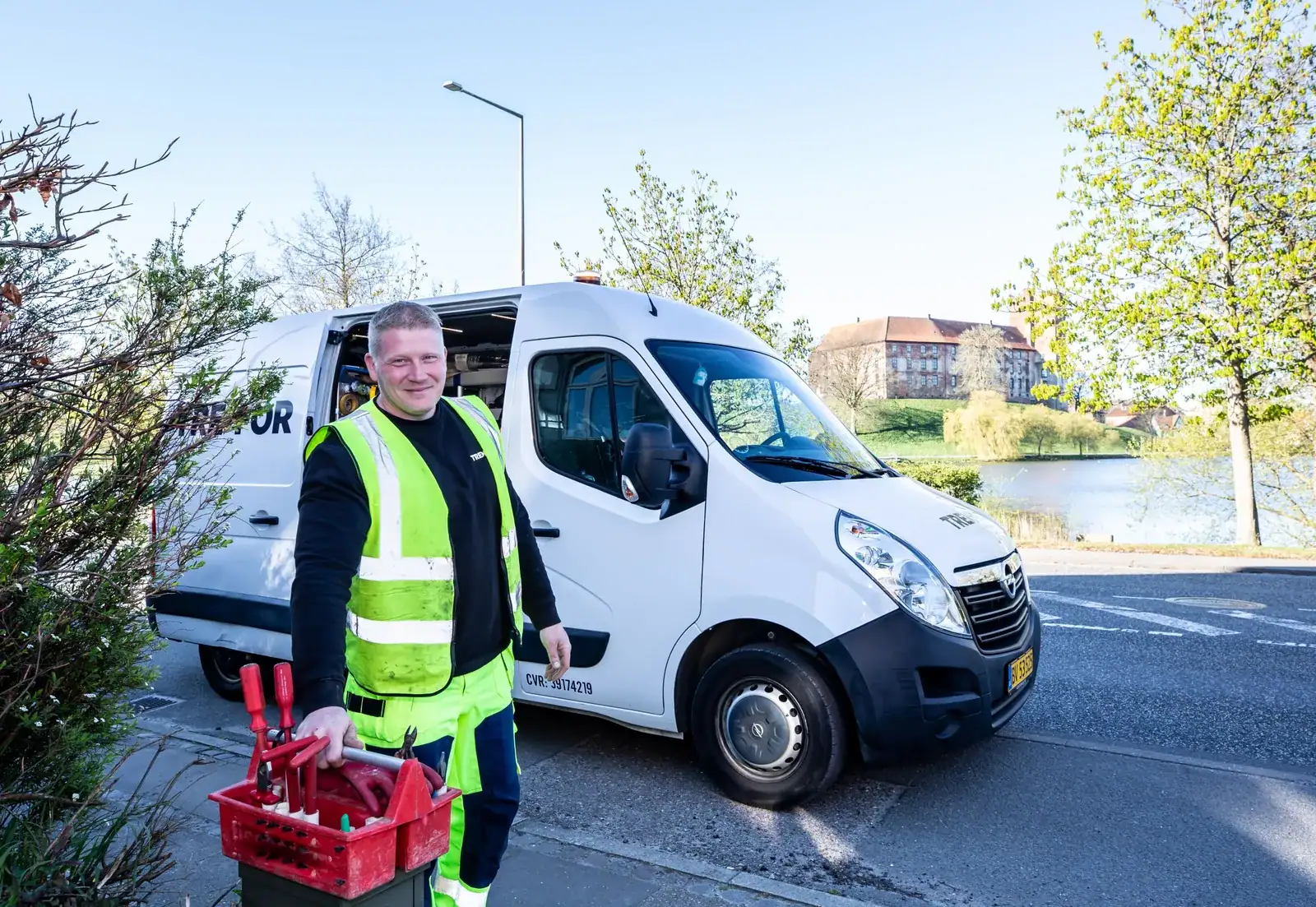
A crew at work
Permanent lighting
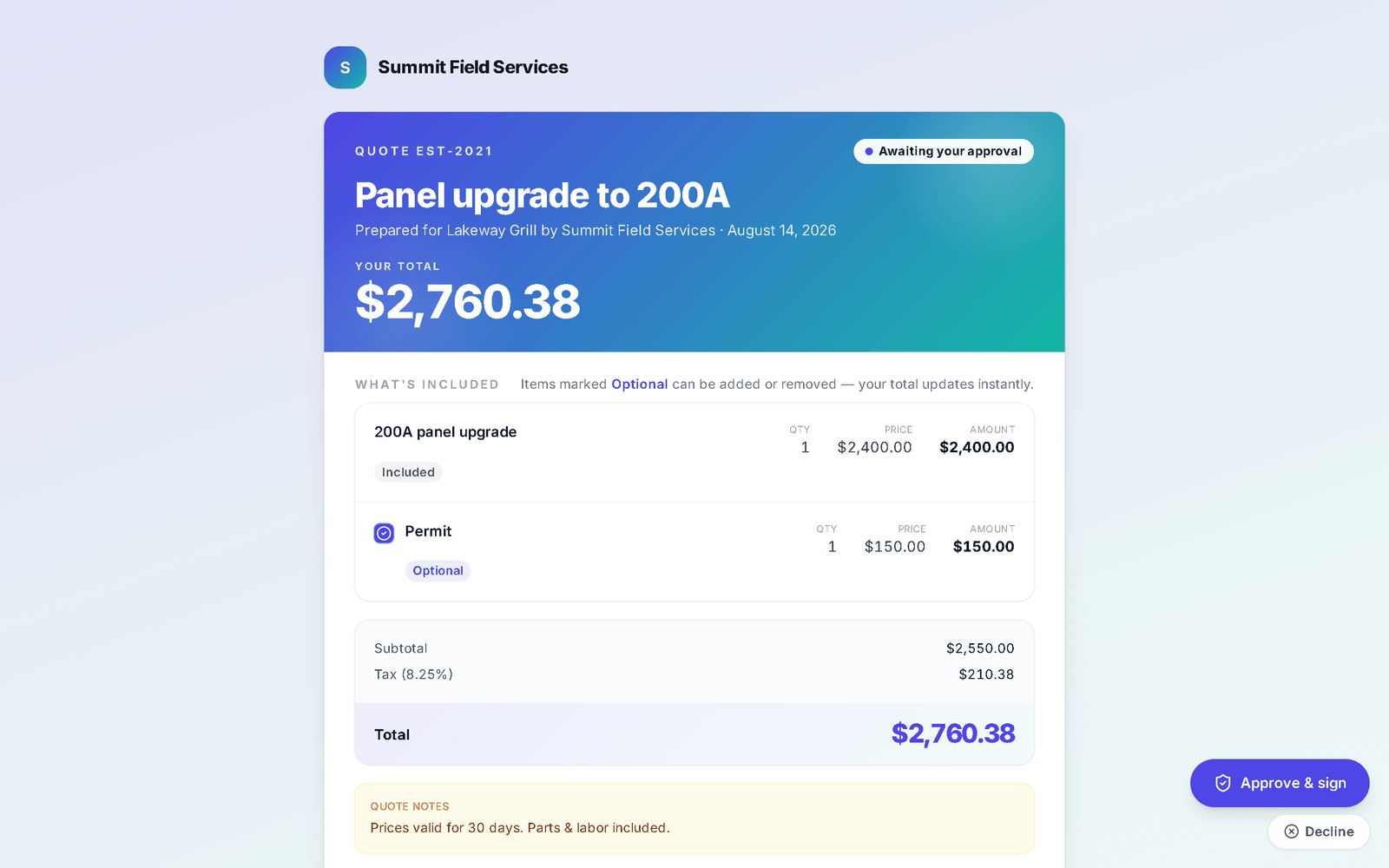
A quote as the customer sees it: the business's branding, the total, itemised lines marked Included or Optional with a checkbox to add or remove, quote notes, and Approve and sign and Decline buttons
The quote the customer opens — itemised, optional lines they tick on or off, and one button to approve and sign.
The day-to-day

Three things that go wrong — and what happens instead

AI preview

The customer cannot picture it, so they do not sign.

Upload their photo, pick the product, mark the run, and the AI preview renders their house lit at night — with the halo and wall-wash real bulbs throw, composited onto every bulb the render draws. Save it to the quote so it goes out with the price.

Per-foot takeoff

You sell feet. Nothing you buy is sold by the foot.

Each spacing item carries bulbs-per-foot, so the quote's "On the truck" panel turns 142 LF into bulbs, strings, channel sticks, amp points, amp wire, tees, signal wire and watts — and picks the power supply sized at 70% load. Cost per foot rolls up from the bill of materials, so the margin on the quote is the real one.

Comparison packets

One quote, one option, one "let me think about it."

Group two or three quotes — 12" against 9" spacing, roofline only against roofline plus accents — under one comparison link with a cover page. The customer picks online, signs, pays the deposit, and the winner becomes the job.

Built in a lighting business first

The two tools the generic apps do not have

The takeoff and the night render were built for a permanent-LED install business before anything else in the app, and it shows.

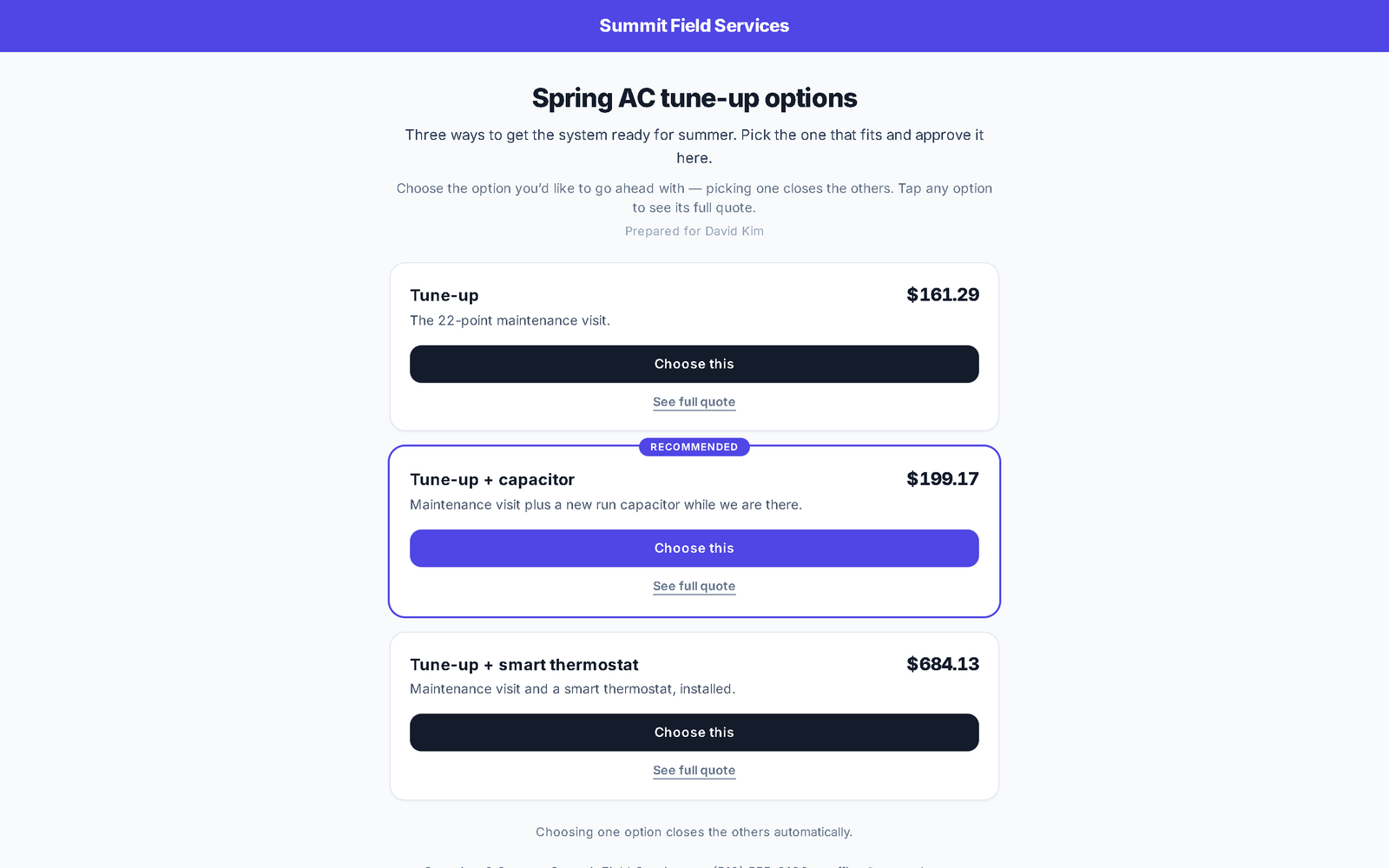
A comparison packet as the customer sees it: three stacked option cards, each with its price, a one-line pitch, a Choose this button and See full quote, the recommended one ringed
Several options, one link. The customer chooses; the choice becomes the job.

The night render

The customer's photo, your product's example shots (up to four — a wide shot, one with real surroundings, a close-up) and a marked run go to the image model. It draws the house at night with the lights on the edges you marked; the app then finds every bulb it drew and adds the bloom real bulbs have. Built-in example swatches mean a brand-new account is never sent empty-handed.

The takeoff

Twenty bulbs a string. Channel in 115-inch sticks. Fifty bulbs per amp injection point, fifty feet of amp wire per point, 0.65 ft of signal wire per foot, 0.72 W a bulb, and a supply that runs at no more than 70% of its rating. Enter the feet; the panel shows what the job consumes and what has to be on the van, both. Over 500 W it says "design required" instead of guessing.

The install map

Tag a finished install and it becomes a pin. When a prospect wants to see one in person, type their address and share the nearest examples — product tag, street and city, no house numbers, no names.

Warranties

Log the warranty on the job with its term. Active, expiring and expired sit on their own list, so the service call a year later starts from the record, not from memory.

Day one

What you can do on day one

Every item is a screen you can open the day you sign in.

  • Load your catalog with cost, markup and unit (linear ft), or import it from a spreadsheet.
  • Add four example photos to your main product and render your first preview on a customer's photo.
  • Build a quote and read the "On the truck" panel before you order.
  • Save Good / Better / Best as a packet template so the next comparison takes one click.
  • Require a deposit on the quote, as a percent or a fixed amount, collected when they approve.
  • Turn on automatic quote follow-ups, so nobody has to remember to chase.
  • Send an invoice and take a card payment online from the link — bank transfer, check and cash are recorded when they arrive.

From their photo to their roofline.

Preview, quote, takeoff, install, invoice, warranty — one record from the first photo to the service call three years later.

Questions

Permanent lighting FAQ

What does the AI preview need from me?

A photo of the customer's house, and up to four example photos of the product on your catalog item — the app tells you which shots to take. Mark the run on the photo, and it renders that house, not a stock one.

Does the takeoff know my products?

It reads bulbs-per-foot from each catalog item, so 12", 9" and 6" spacing each come out right. The constants — 20 bulbs a string, 115-inch channel, 50 bulbs an amp point, 0.72 W a bulb, 70% supply loading — are named in one place and tested. Above 500 W it refuses to pick a supply and says the job needs a design.

Can the customer choose between spacings or scopes?

Yes. Put two or more quotes for the same customer in a packet — pick-one, or all-together — and send one link. It carries photos, prices and deposits, and the customer signs and pays online. Save the packet as a template and reuse it per client.

Do you send me leads?

Yes, if you want them — add your trade to your marketplace profile and homeowners can pick it once you are live. Homeowners post jobs in the Hire-a-Pro marketplace; jobs matched to your trade and service area land in your Requests queue with no per-lead fee. Local leads are included on the Business plan, or you can add the Local Leads module to Starter or Pro for $49/mo.

Which plan do I need?

Starter covers the CRM, scheduling and calendar, quotes and invoices, the customer email inbox, the time clock, free CRM import and the mobile app. Pro adds the client portal, e-sign approvals, the dispatch board, GPS time clock, marketing automation, reviews, job costing, payment plans and the website builder. Business adds accounting with bank feeds, sales tax, payroll, the sales pipeline, the ads manager and local leads. Prices are on the pricing page.

Does it work on a phone in the field?

Yes. It runs full-size in any browser on your computer, and on a phone it installs to the home screen straight from the browser. Same account, same data, whichever you pick up.

Can I bring my customers and quotes with me?

Yes. Import clients, quotes and inventory from spreadsheets or the app you are leaving. It is included on every plan, and your data stays exportable afterwards.
Ready to sell lighting the way you install it?

By the foot, from a photo, with the truck list attached.

Book a demo