Industries/Holiday lighting
Seasonal install & takedown

Holiday lighting software that quotes, schedules and invoices

The whole season is ten weeks and everything happens at once. Book installs and takedowns as one job that comes back next year, take the deposit when they approve, and know what is in the trailer.

Roofline & guttersTrees & wrapsWreaths & garlandCommercial displaysTakedownsStorage
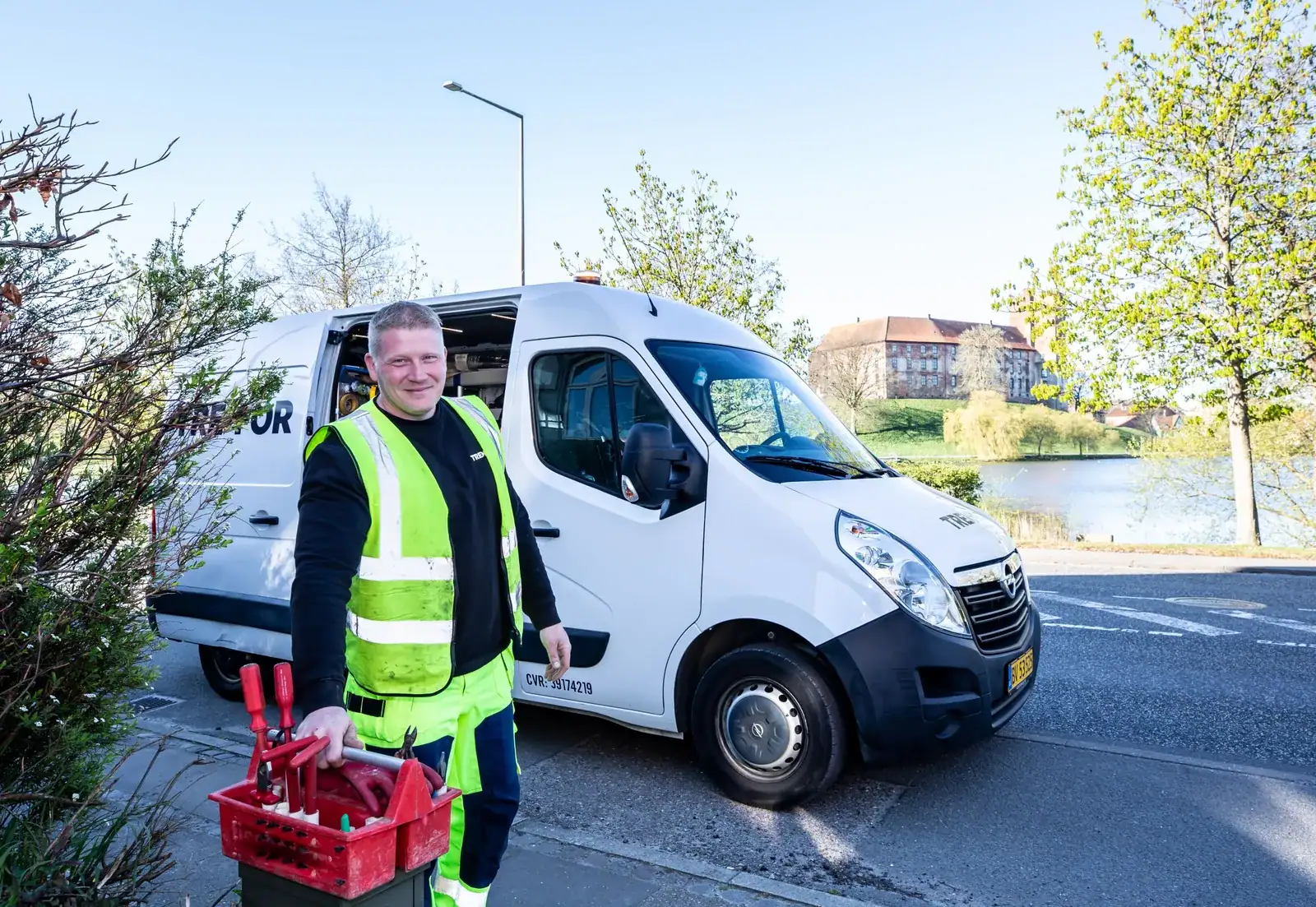
A crew at work
Holiday lighting
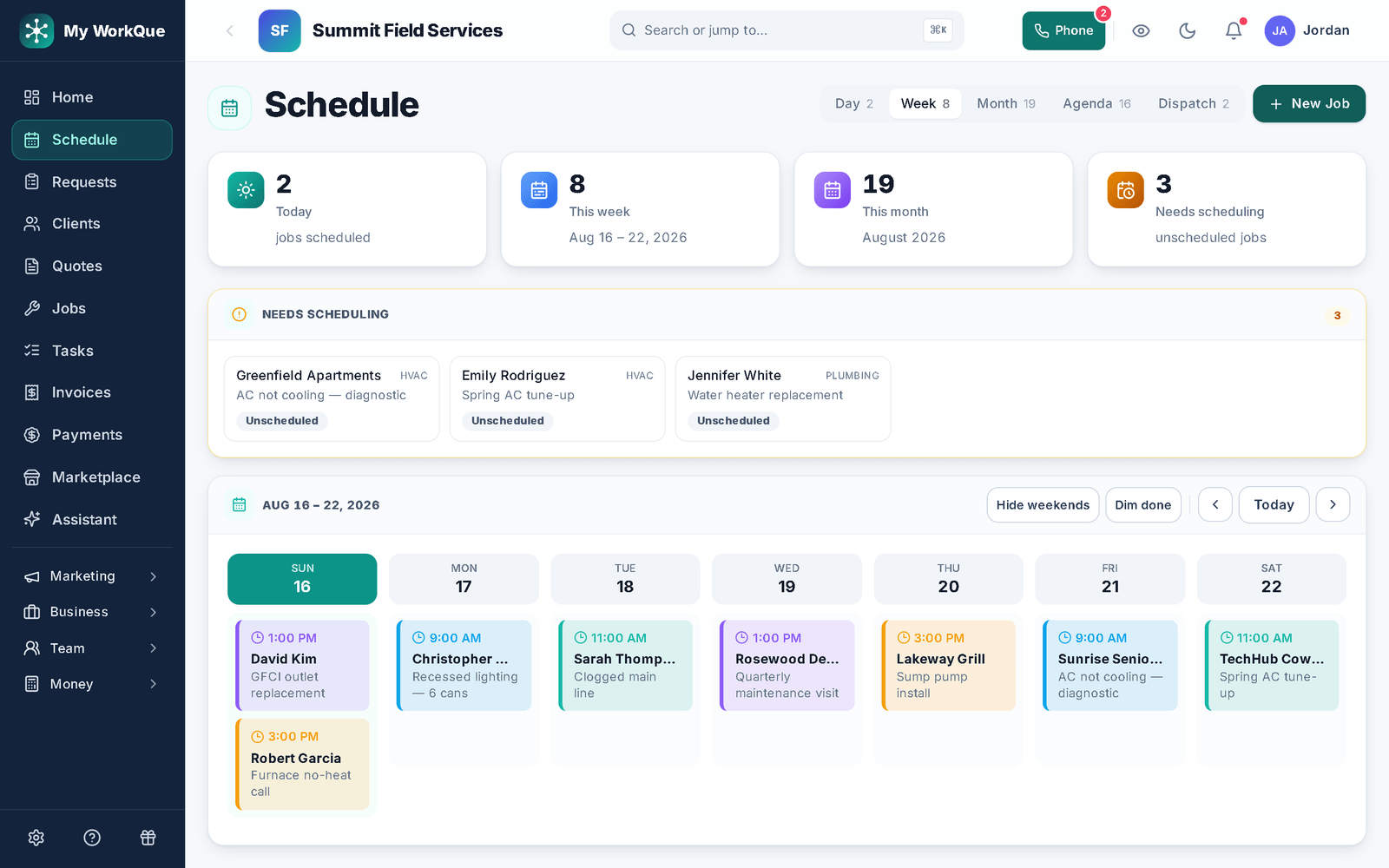
The schedule in week view: the week's jobs as cards across the days in crew colours, a Needs scheduling strip above, and the Day, Week, Month, Agenda, Dispatch view switch
The week, by crew, with the jobs that still need a date in a strip above it; the customer gets the arrival window by text before the visit.
The day-to-day

Three things that go wrong — and what happens instead

Scheduling & dispatch

Every customer wants the same three weekends.

The schedule shows the week by crew, and the dispatch board shows one day per tech — drag a job onto the right one. Booking requests and lead-board jobs land in a queue instead of your voicemail, and the upcoming-job reminder texts each customer their arrival window before the truck leaves.

Seasonal recurring

The takedown and next year get forgotten in January.

Set the job to repeat seasonally and completing it books the next one. The renewal goes out as an invoice with a pay link and its own reminders, and the client hub shows the customer their next visit before they ask.

AI preview

They cannot picture it on their house, and neither can the crew.

Upload the customer's photo, mark the roofline, and the AI preview renders it lit at night — save it to the quote and the job so the crew installs what the customer approved. Photos and notes stay on the job for next season.

Day one

What you can do on day one

Every item is a screen you can open the day you sign in.

  • Import your customer list from a spreadsheet or your old app.
  • Build a quote template so the next quote starts filled in.
  • Require a deposit on the quote, as a percent or a fixed amount, collected when they approve.
  • Set a job to repeat — weekly, every 2 weeks, monthly, quarterly or seasonal — and it books the next visit when this one is completed.
  • Render a preview on a customer photo and attach it to the quote.
  • Send your first on-my-way text with an arrival window from the job.
  • Set up a recurring invoice for a repeat customer so it issues itself on the schedule, with the pay link and reminders attached.

One season, one calendar, one record per house.

Quote, deposit, install, takedown, renew — without re-typing anything in January.

Questions

Holiday lighting FAQ

How do I book the takedown?

Book the install as a job, then clone it for the takedown — same customer and lines, new number, new date. Set the install to repeat seasonally and completing it books next year's.

Can I take a deposit when they approve?

Yes. Require a deposit on the quote as a percent or a fixed amount. The customer pays it online when they approve; the balance is invoiced when the job is done.

Does the preview work for holiday lighting?

Yes. Add example photos of your product to the catalog item, upload the customer's house, mark where it goes and render. It draws the house at night with the lights where you marked.

Can I track what is in the trailer?

Yes. Inventory tracks stock by location — the shop, each truck — and the scan screen receives, transfers and checks items out from a phone, with a record of who moved what.

Do you send me leads?

Yes, if you want them — add your trade to your marketplace profile and homeowners can pick it once you are live. Homeowners post jobs in the Hire-a-Pro marketplace; jobs matched to your trade and service area land in your Requests queue with no per-lead fee. Local leads are included on the Business plan, or you can add the Local Leads module to Starter or Pro for $49/mo.

Which plan do I need?

Starter covers the CRM, scheduling and calendar, quotes and invoices, the customer email inbox, the time clock, free CRM import and the mobile app. Pro adds the client portal, e-sign approvals, the dispatch board, GPS time clock, marketing automation, reviews, job costing, payment plans and the website builder. Business adds accounting with bank feeds, sales tax, payroll, the sales pipeline, the ads manager and local leads. Prices are on the pricing page.

Does it work on a phone in the field?

Yes. It runs full-size in any browser on your computer, and on a phone it installs to the home screen straight from the browser. Same account, same data, whichever you pick up.

Can I bring my customers and quotes with me?

Yes. Import clients, quotes and inventory from spreadsheets or the app you are leaving. It is included on every plan, and your data stays exportable afterwards.
Ready for a season that runs itself?

Book it once. It comes back next year.

Book a demo